Overview
Mercari listings can sell quickly.
For desirable used goods, speed matters—but the order still needs to be exact.
The best workflow is to verify the decision-critical details first, then authorize the exact listing.
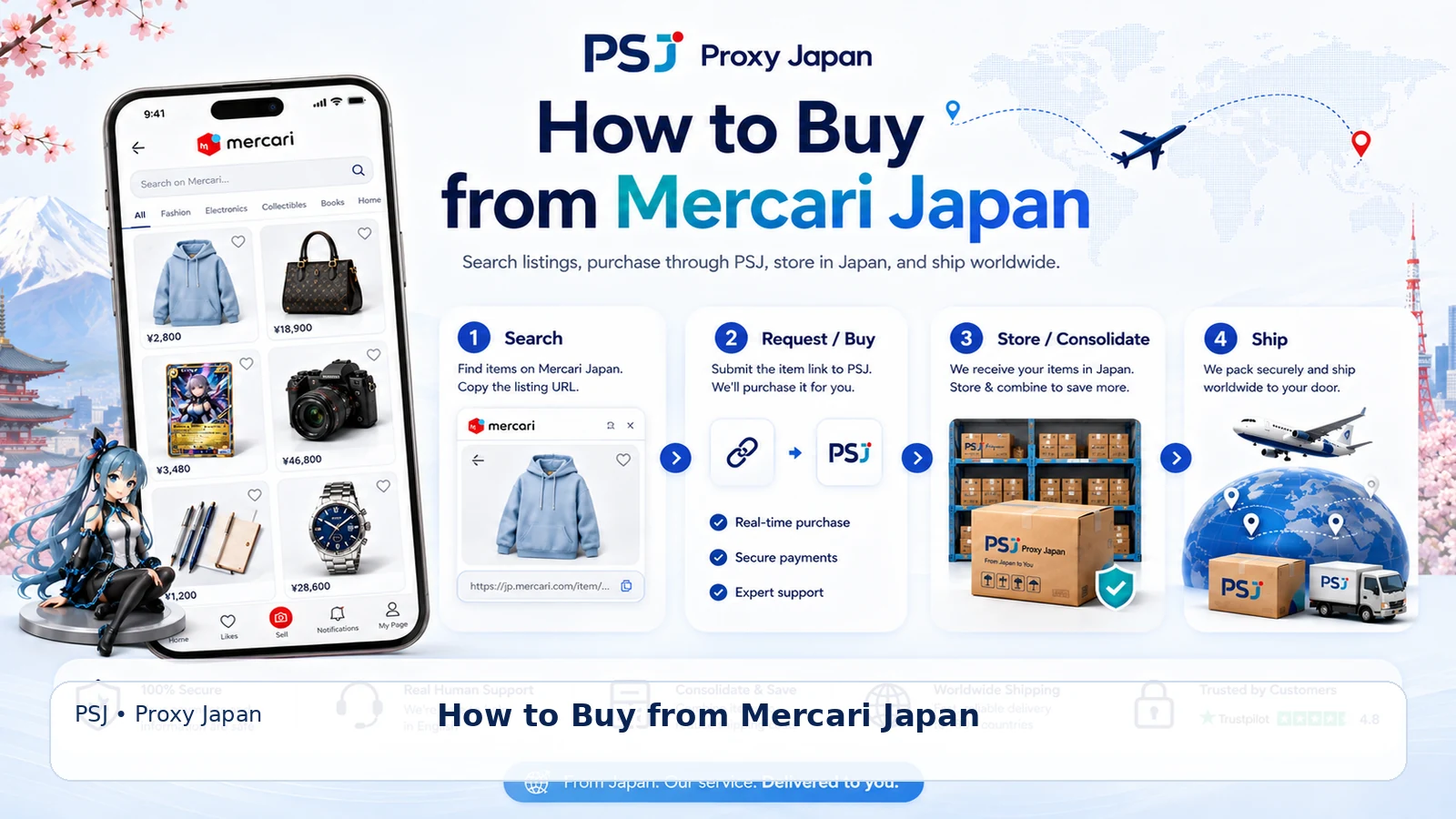
1. Open the full listing
Confirm:
Do not buy from search-result thumbnails alone.
- seller
- title
- price
- condition
- photos
- included accessories
- Japan domestic shipping
- purchase restrictions
2. Use photos as condition evidence
For used goods, photos may matter more than the broad marketplace condition label.
Look for:
- scratches
- stains
- fading
- repairs
- missing parts
- packaging damage
3. Recognize useful Mercari terms
Always read the full seller wording.
- 送料込み — shipping included
- 即購入可 — immediate purchase allowed
- 専用 — reserved/private listing context
- 匿名配送 — anonymous delivery
- 目立った傷や汚れなし — no noticeable scratches or stains
4. Authorize the exact purchase
The request should identify:
If the listing sells out, JPS should not substitute another item without approval.
- seller
- exact listing
- price
- variation where relevant
5. Check domestic shipping
Some listings include Japan domestic shipping in the item price.
Others may not.
Keep this cost separate from later international shipping.
6. After purchase
The seller ships domestically to the JPS warehouse.
JPS provides:
- 60 days free storage
- basic receiving check included
- item photos ¥500/item
- free consolidation
7. International shipping
Packing starts from ¥500.
JPS charges actual carrier rates with no JPS shipping markup.